In this post, we will discuss setting member permissions of a group calendar to read only. Setting the member permissions to read only will not affect owners of the group calendar.
First, we will need to install the Exchange Online PowerShell v2 (EXO V2) module. Type the below into PowerShell.
Install-Module ExchangeOnline
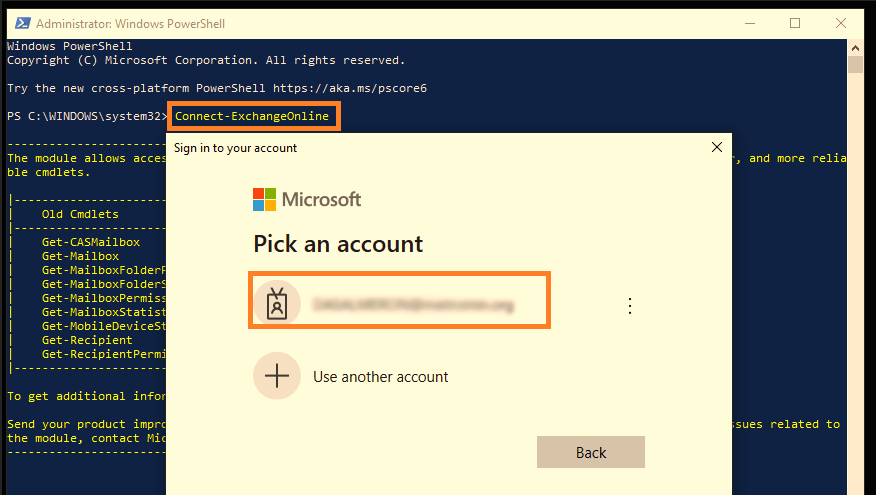
Next, we need to connect to Exchange Online. Type the below command and login with an administrator account.
Connect-ExchangeOnline
Set Read Only
Set-UnifiedGroup [DisplayName] -CalendarMemberReadOnly
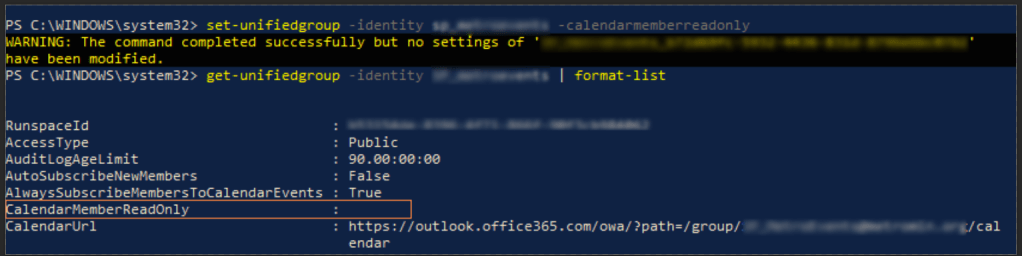
Once you type the above, you will get a message saying no settings have been modified. But this is not true.
Lets check the properties
Get-UnifiedGroup -Identity [DisplayName] -CalendarMemberReadOnly
This show the CalendarMemberReadOnly field empty. Let’s try another command.
Get-UnifiedGroup [DisplayName] -IncludeAllProperties | Select-Object -Property CalendarMemberReadOnly

As you can see, this shows the field as True.
Set Read Only to False
Set-UnifiedGroup [DisplayName] -CalendarMemberReadOnly:$false

