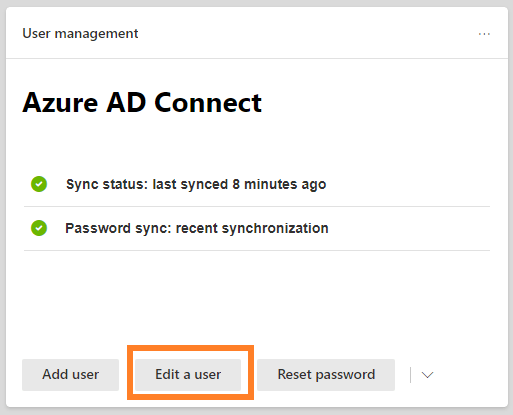
This post will show you how to disable a user with Microsoft 365 Admin Center. If you’re used to working in Active Directory, you are most likely familiar with simply right clicking a user account and choosing Disable. In Microsoft 365, this is actually called “Block sign-in”. So, let’s navigate to the Admin Center and click Edit a user to search.
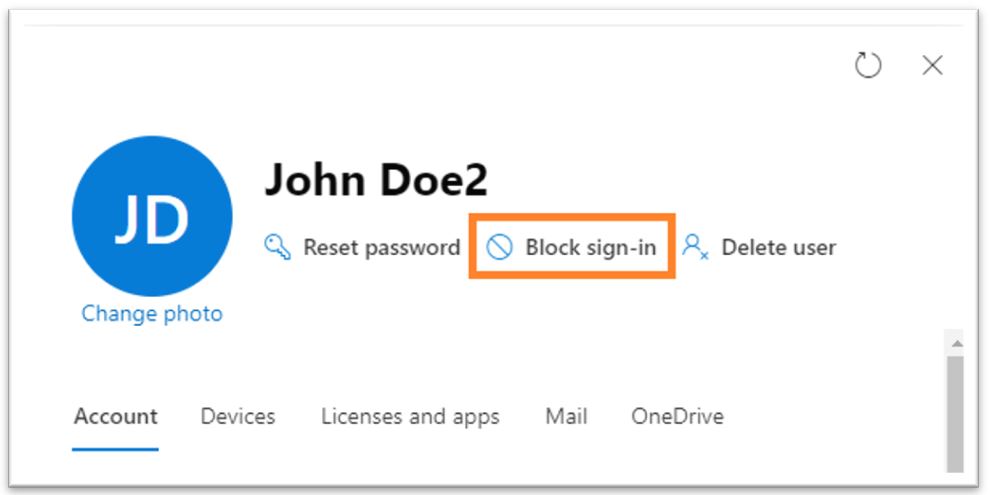
Click on Block sign-in
Check the box to Block this user from signing in
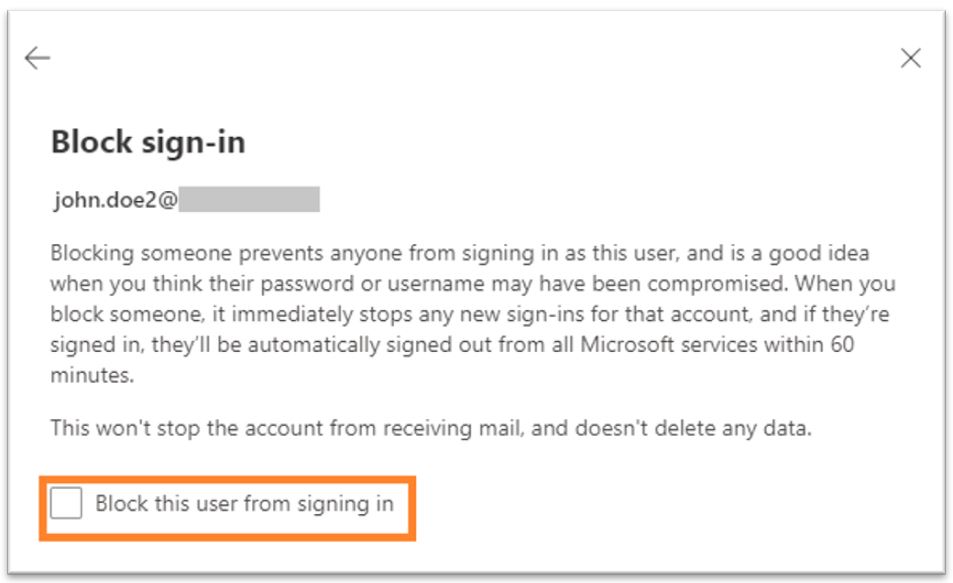
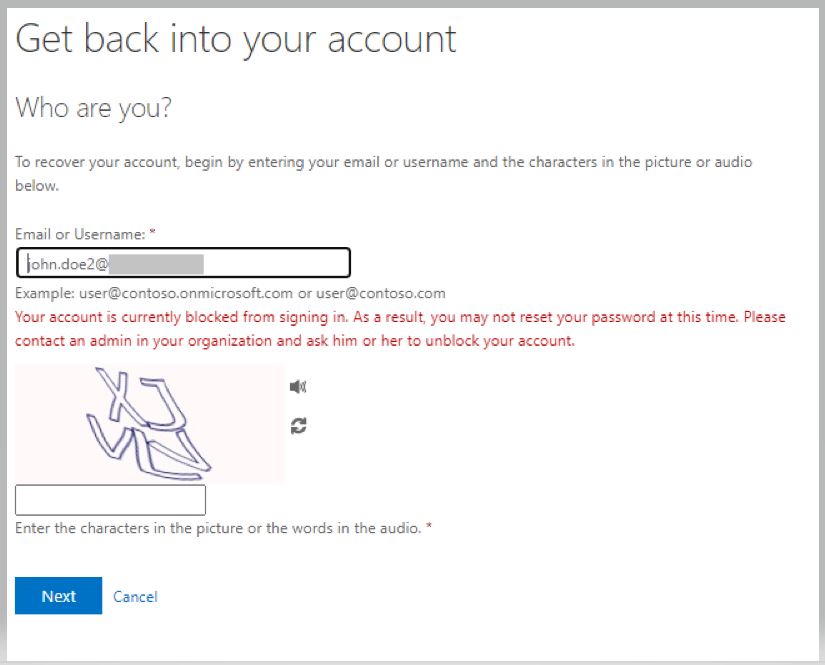
It can take up to 60 minutes for the user to be signed out but in most cases this is immediate. When the user tries to sign back they will be blocked. If they try to reset the password, they are shown the screen below.