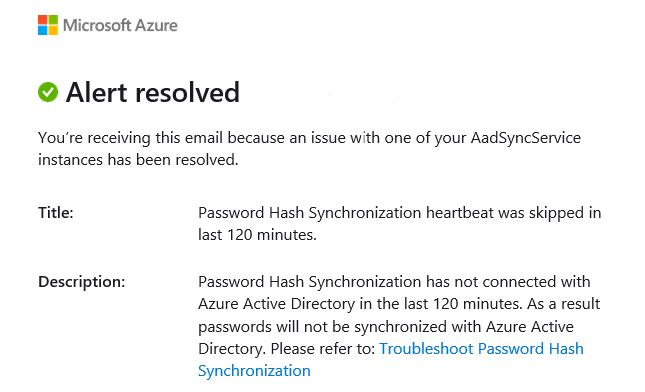
If you host your AD on-premises and are syncing with Azure services through AD Connect, chances are you have come across this alert from Microsoft:
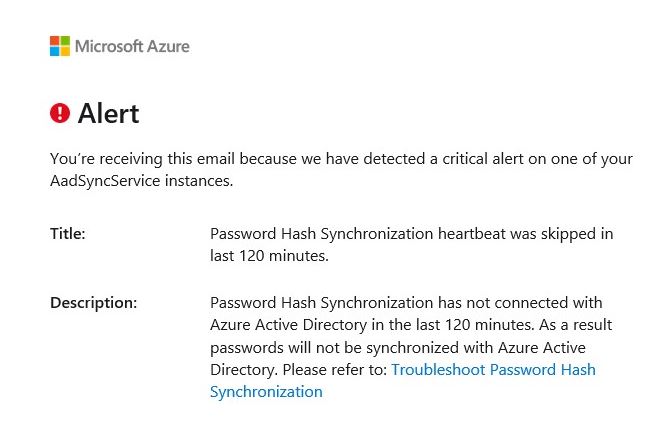
This seems to be a very common problem in our environment and as I started reading, I noticed we were not alone. I have reached out to Microsoft regarding this issue and was told that this can be caused by a temporary loss of connectivity with the server and there shouldn’t be any actual issues. The reason the Password Hash Synchronization heartbeat is skipping is because the Azure AD Connect Sync service has stopped running. I will outline the temporary fix that we do when this issue comes up which is simply restarting the Azure AD Connect Sync service.
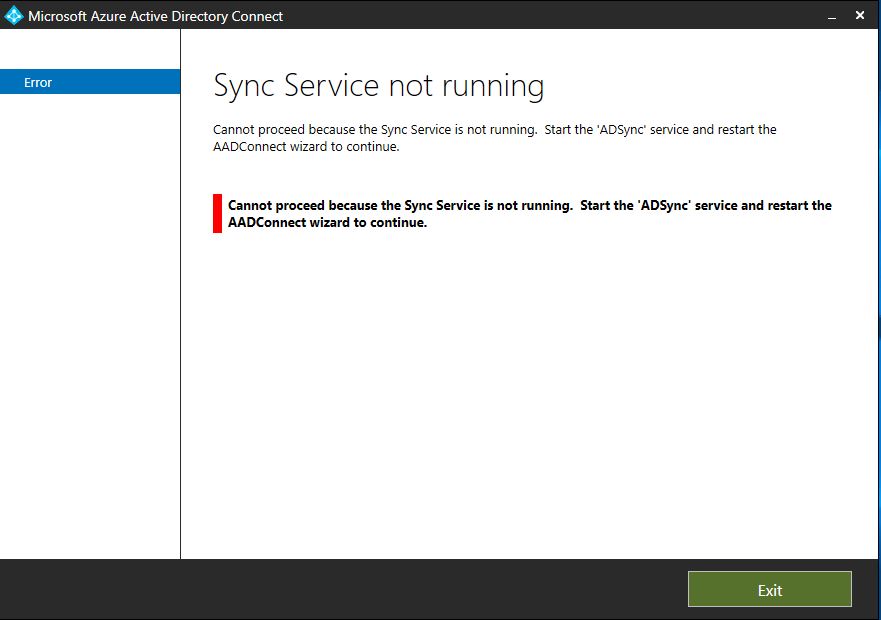
If you logon to the server that is hosting AD Connect and open the application you will get confirmation that the Sync Service is indeed not running.
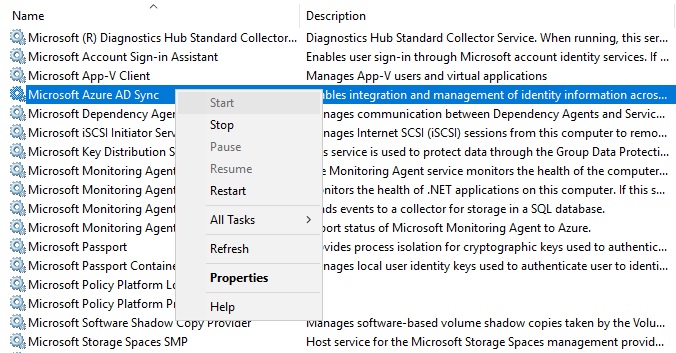
To fix this you will need to open Services.msc, here you can see that the Microsoft Azure AD Sync service is not running also. First, we will right click on Microsoft Azure AD Sync and restart that service.
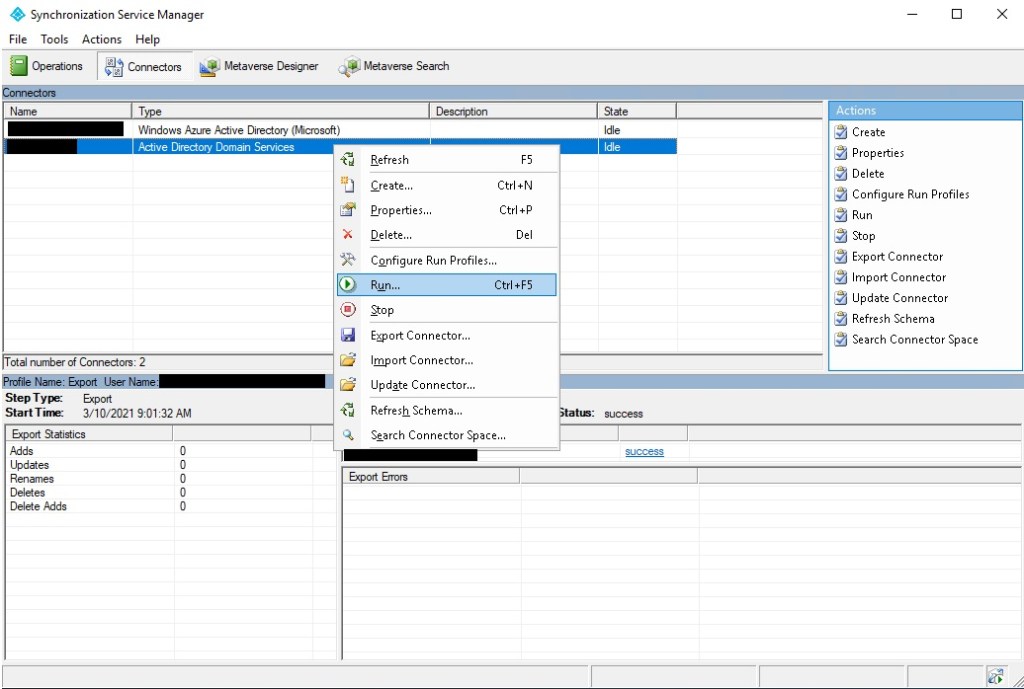
Next, we’ll open the Synchronization Service Manager and click Run on each of the connectors. When prompted with which Run Profile you would like to start, choose Delta Synchronization. This should only take seconds and the state will go back to Idle.
After a few minutes we receive another alert from Microsoft stating that the original error has now been resolved.