
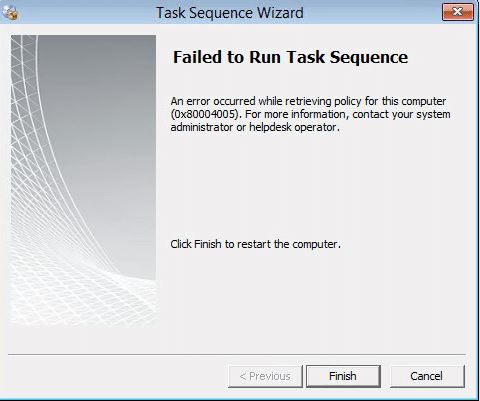
When starting a Task Sequence from a bootable USB flash drive, we were getting an error while retrieving policy (0x80004005). As I have mentioned in the past, the error code 0x80004005 is a generic code. We need to once again open the SMSTS log to get more information. At this point of the task sequence, the SMSTS log file is located in x:\windows\temp\smstslog folder and is named smsts.log. If you have command support enabled in the Task Sequence, you can press F8 and the command prompt windows will appear. Type “CD x:\windows\temp\smstslog” to change the folder directory and then type “notepad smsts.log” to open the log file in Notepad. The logs may be difficult to read in Notepad so I usually save the file to another flash drive and open it with CMTrace on another machine.
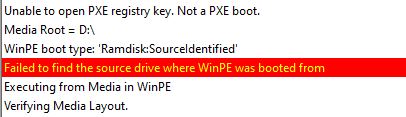
Other errors in the log were:
Failed to open PXE registry key. Not a PXE boot
Failed to find the source drive where WinPE was booted
Failed to get client identity (80004005)
Failed to read client identity (Code 0x80004005)
This can be many caused by many different issues including but not limited to:
BIOS date/time not synchronized
Expired certificates in boot media
No network access in Windows PE
So we just need to verify the above items are not the cause and if all else fails, recreate the boot media with a new certificate.

