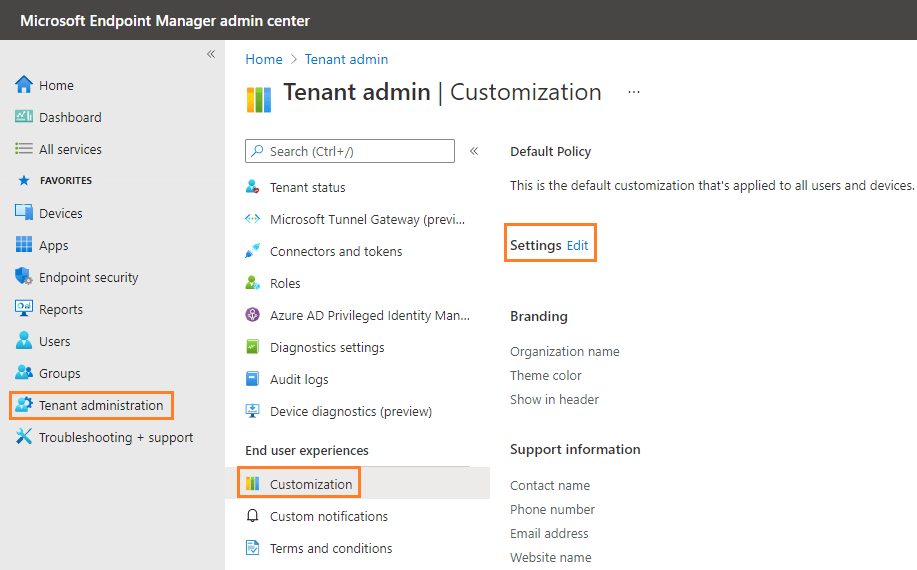
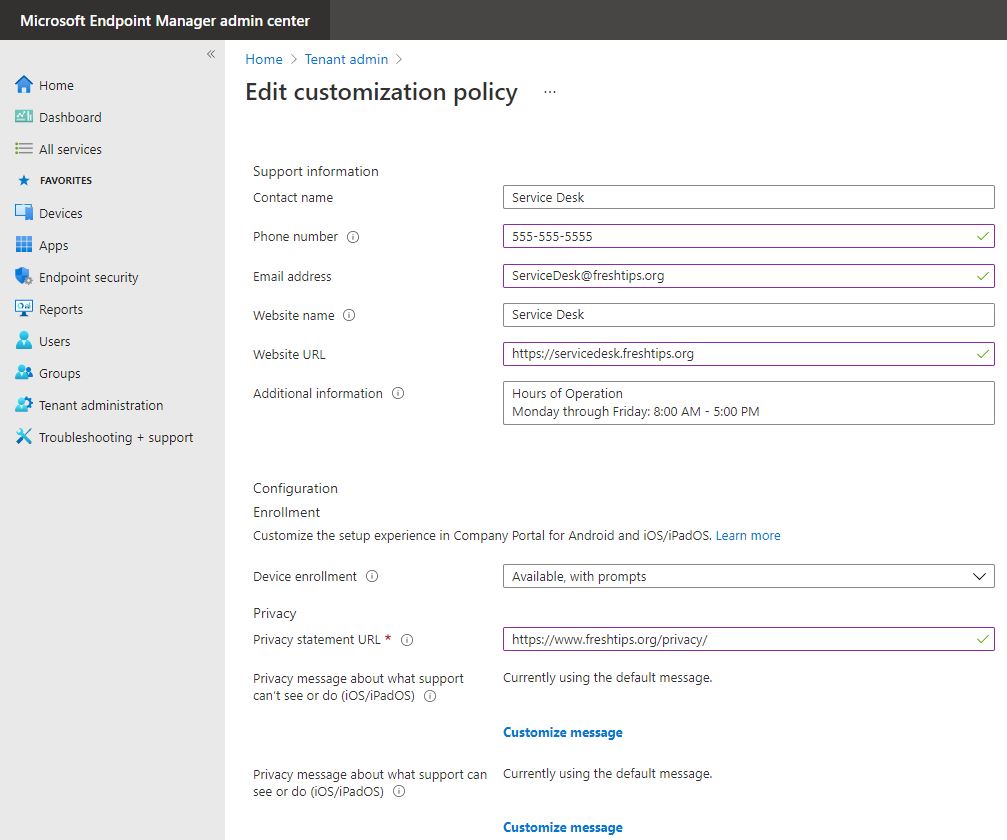
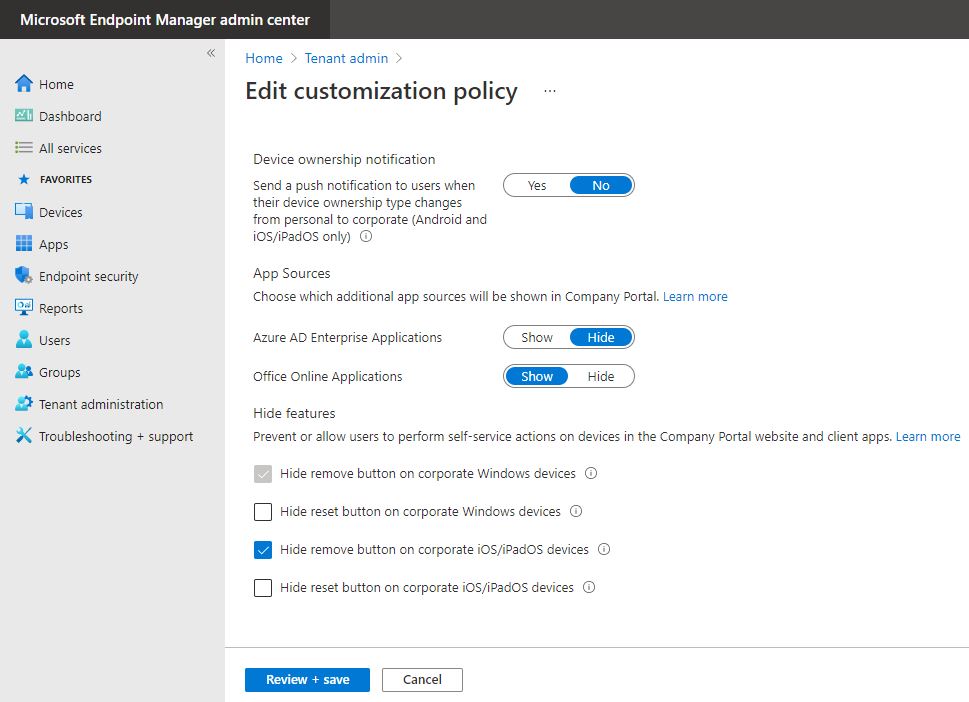
In this post, I will outline the steps to customize your Company Portal app and website. To begin, start by opening Microsoft Endpoint Manager admin center and logging in with an Intune administrator role. Click on Tenant Administration, then under End user experiences select Customization. Let’s click on the Edit button next to Settings so we can start customizing.
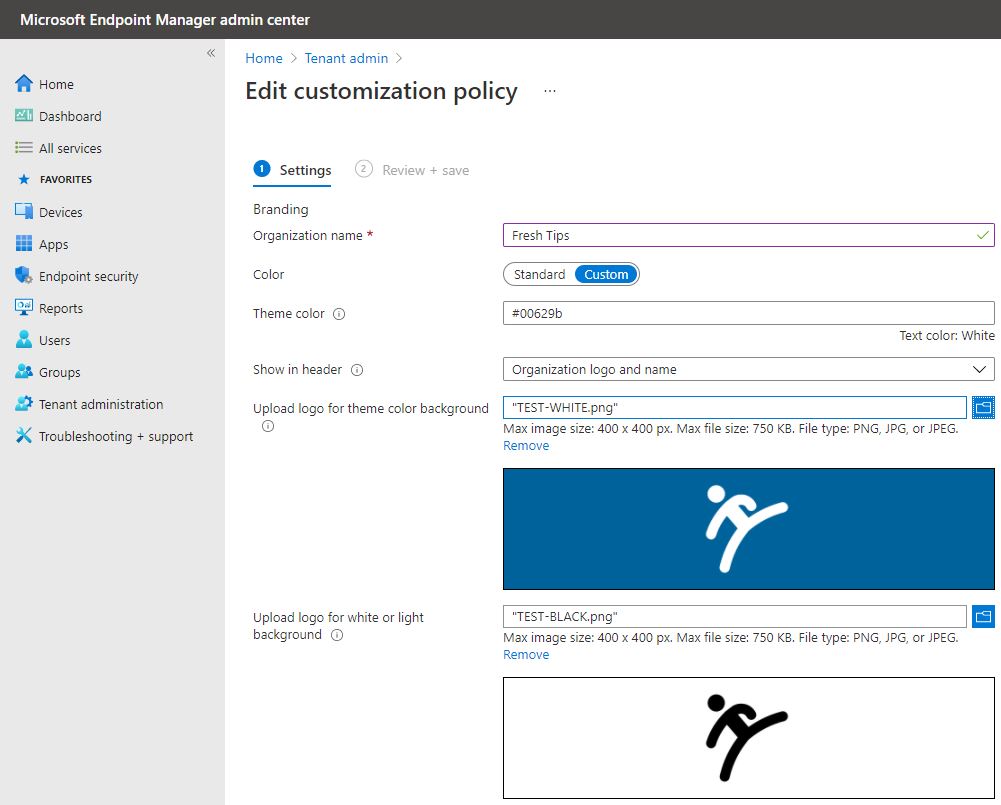
There are several settings we can edit here so I will just show you some of the basics so you can have an idea of how things might look before actually applying. The initial settings are for your company logo on a light and dark background and also your company name.
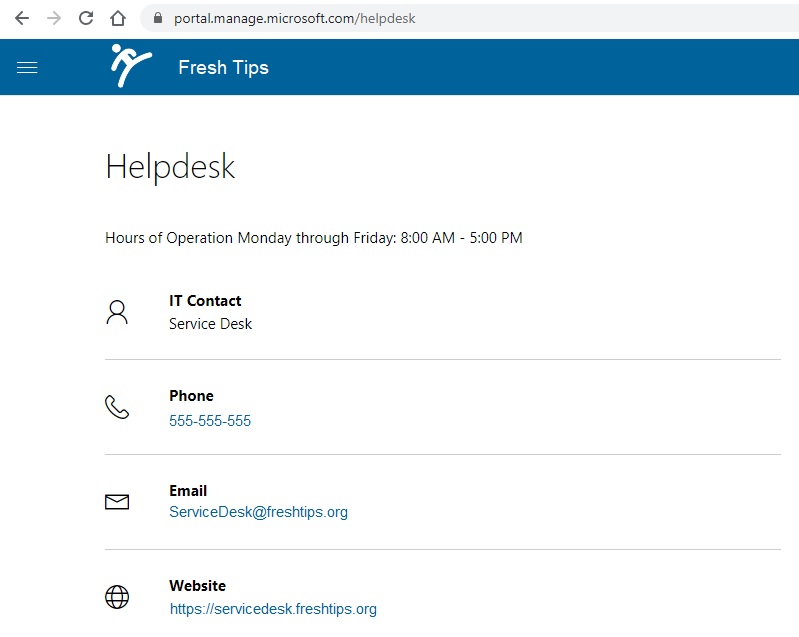
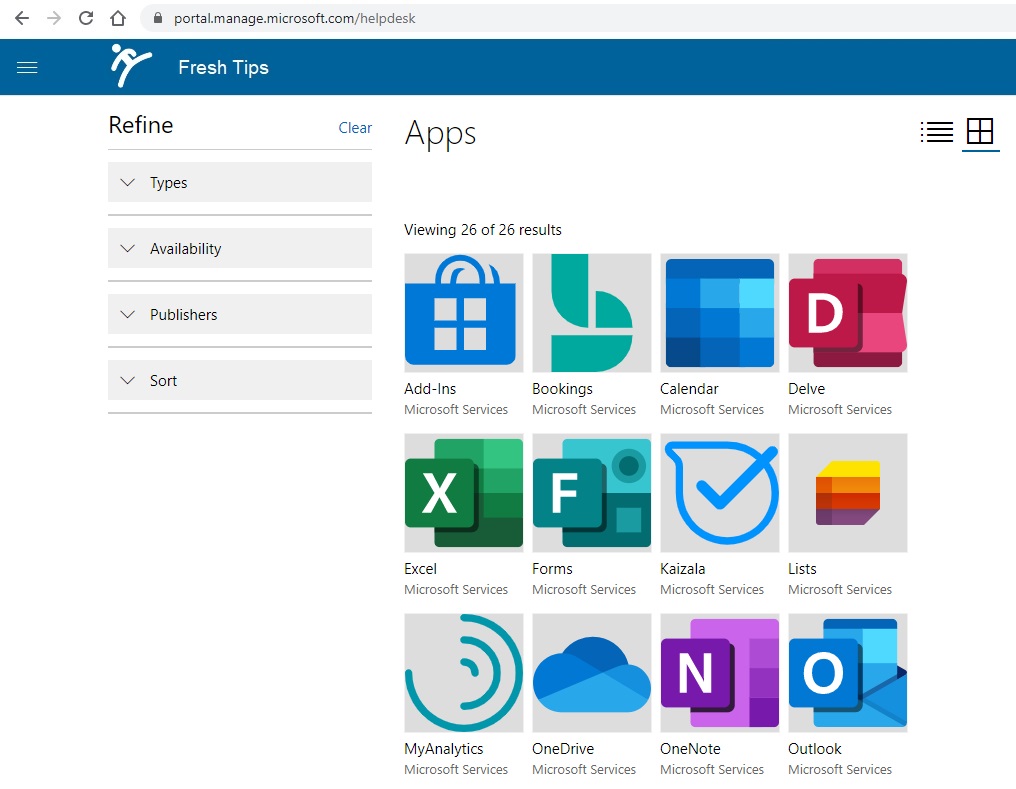
You can preview how these changes look below on the Company Portal desktop website.
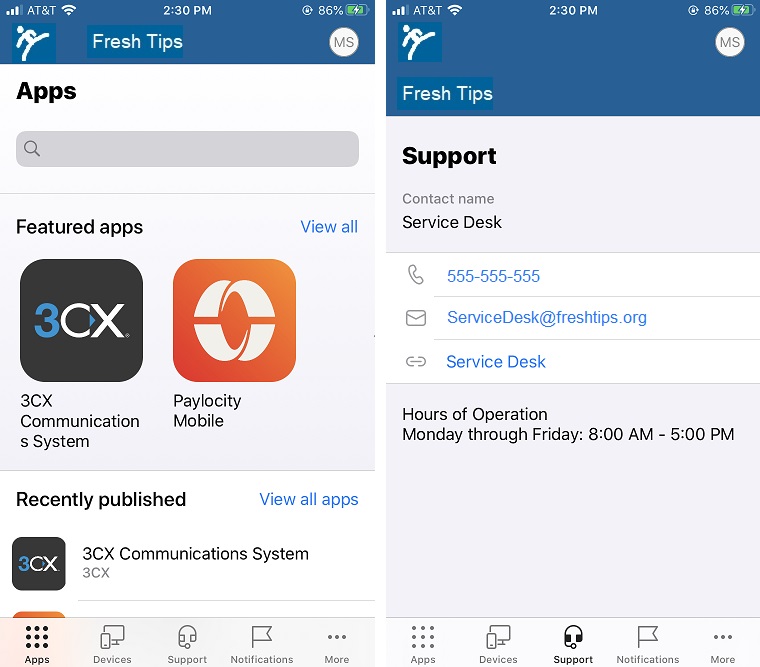
Here are what the settings look like on the iPhone app.